
Management Scorecard
All of the company's indicators on one scorecard: green, yellow, red.
The management scorecard groups indicators into sections (safety, quality, delivery, productivity, people and culture, plant results, demand and supply) and shows the monthly target, month-to-date result, annual target and year-to-date result side by side. Every result works out its own colour.
What you gain with SCOREX
- Targets are dynamic: month- and year-to-date targets are prorated to the report date; the colour follows the cumulative target.
- The scorecard updates as soon as data is entered; there is no separate reporting step.
How it works
Read the scorecard from overview to section, from card view to table, in a few clicks.
-
1
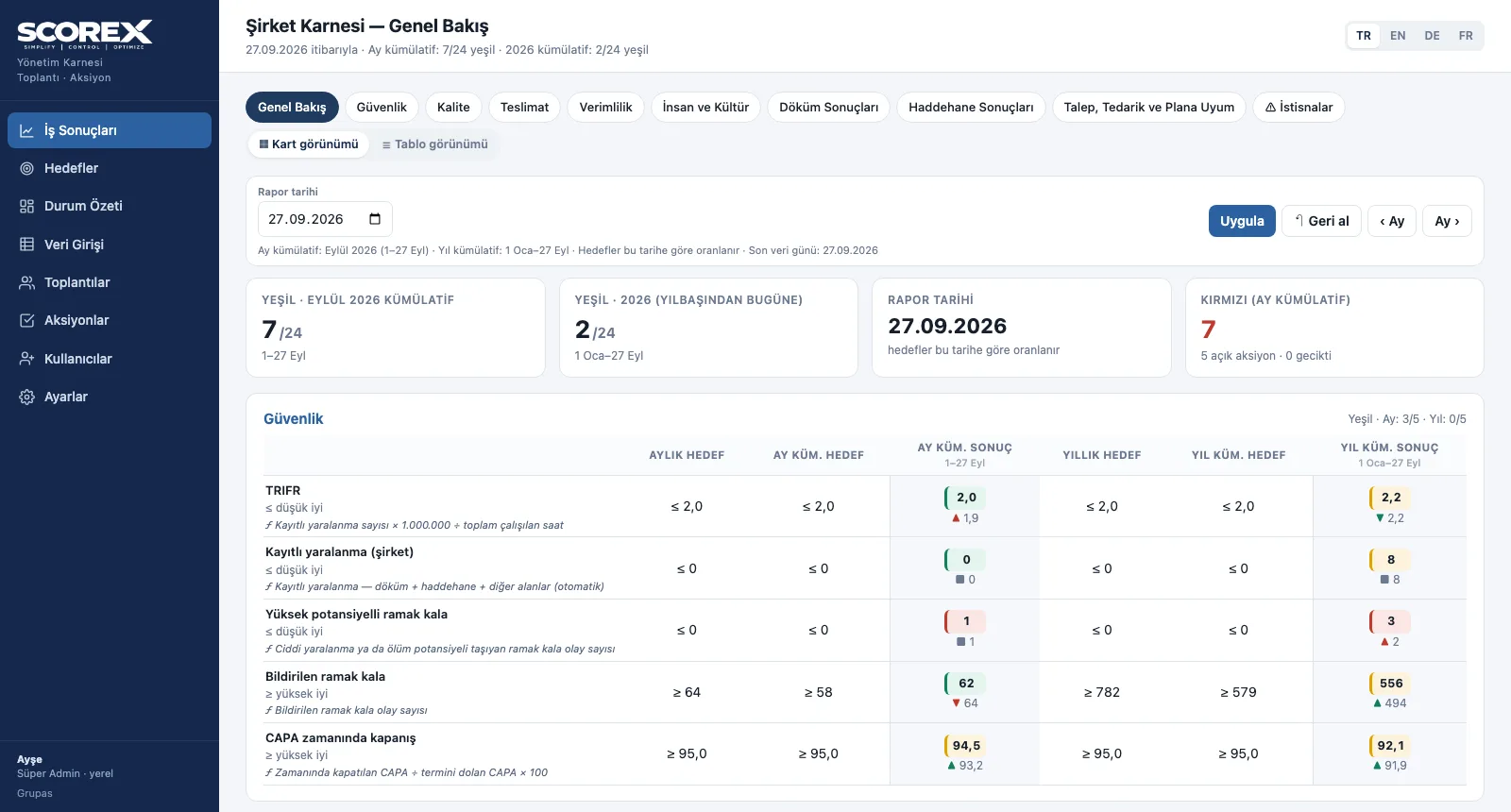
Open the overview
Targets and results section by section, month- and year-to-date green count and the reds on one page.
-
2
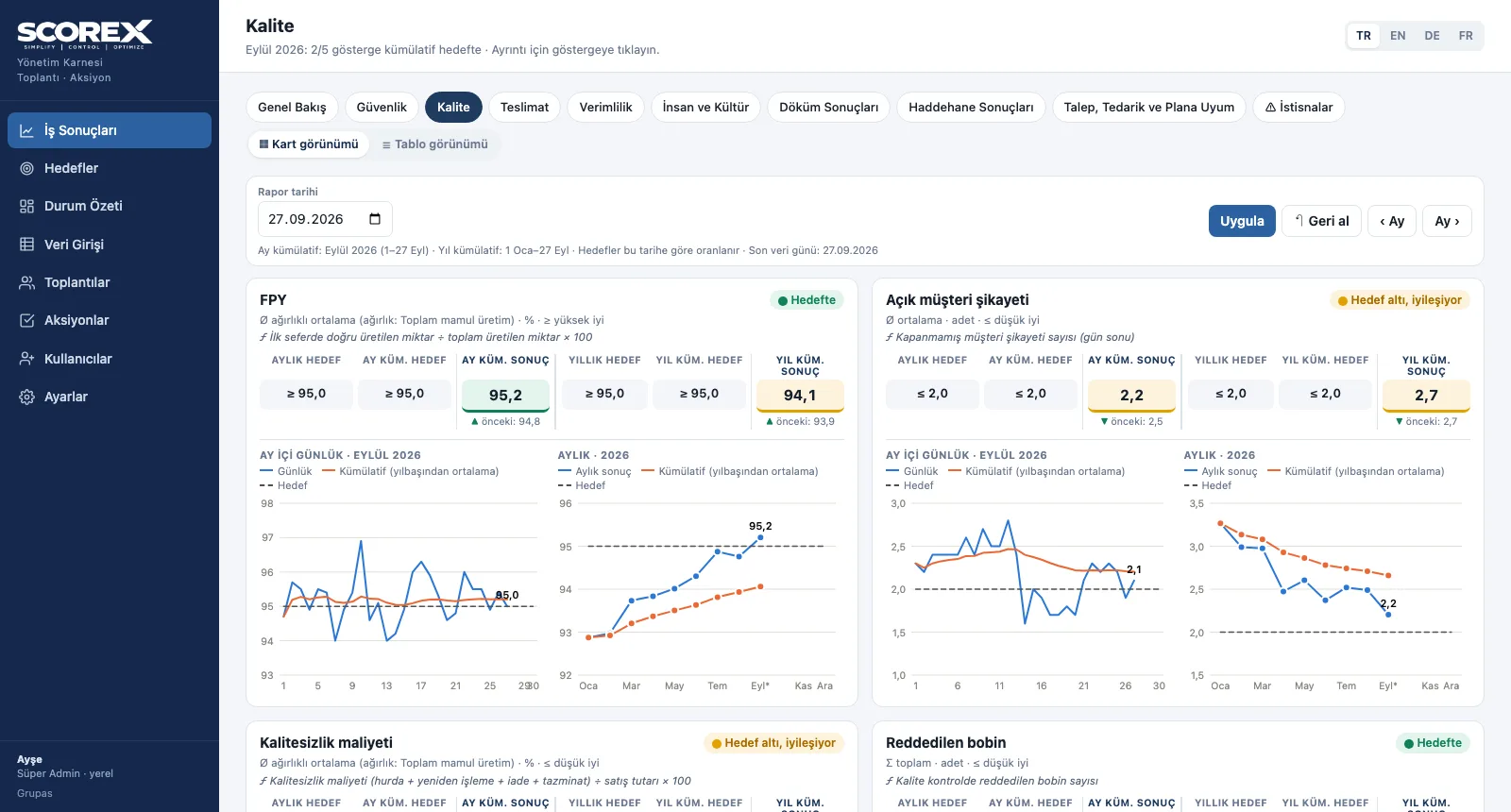
Drill into a section
In card view, each indicator has a status label, a daily chart for the month and a monthly chart for the year.
-
3
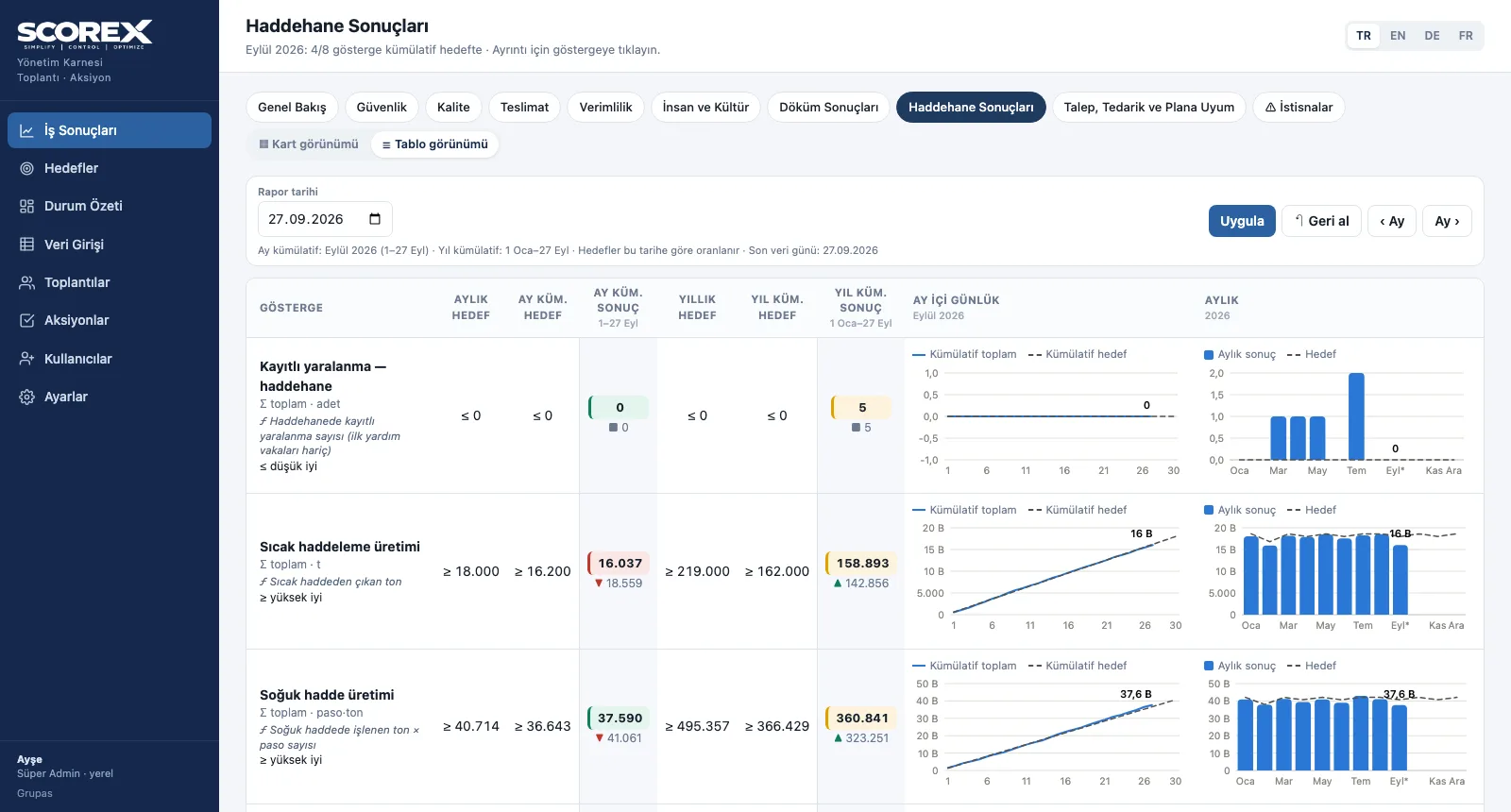
Switch to table view
All indicators of the section in one table with targets, results and small charts; the choice is remembered.
-
4
Choose your language
The interface is in Turkish, English, German and French; indicator names and abbreviations follow the language.
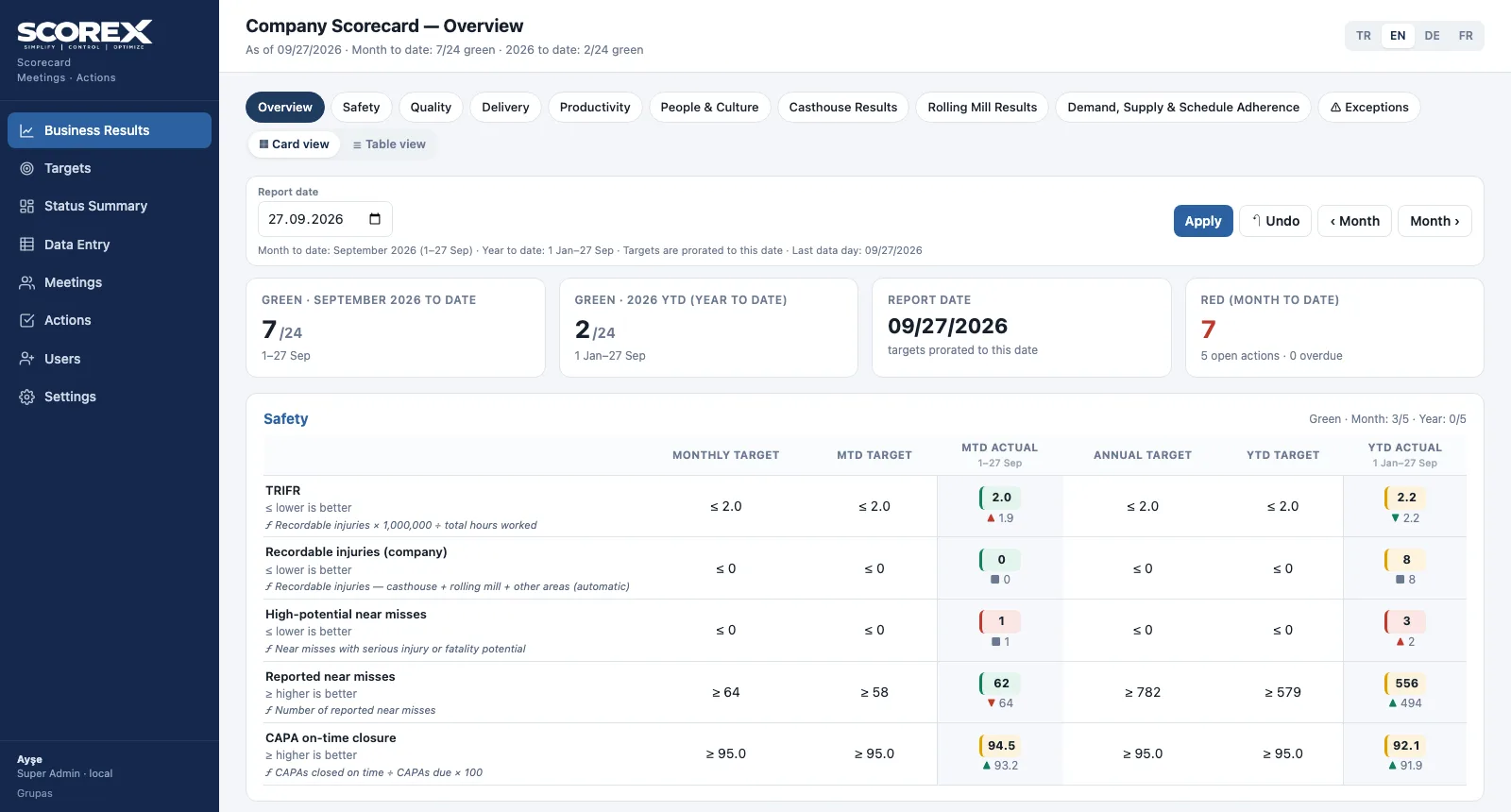
Screens are shown with the sample scorecard; the application interface is available in four languages (TR / EN / DE / FR).
Purpose
To let management read the state of the company every day from the same single, up-to-date picture — without preparing slides.
Features
- Overview: the scorecard section by section, month- and year-to-date green count, reds and open actions
- Status: green = on target · yellow = below target but improving on the previous period · red = below target or no data
- Section boards: daily and monthly charts in card view, every indicator in one list in table view
- Report date selection: view the scorecard of any past day with the same rules; month forward / back
- Reading guide and abbreviations below the scorecard; the formula next to each indicator
Benefits
- The weekly scorecard deck is no longer compiled by hand
- Everyone looks at the same number and the same colour
- An improving result shows up in yellow
Who uses it
General manager, top management, plant and department managers.
All features
See your scorecard in SCOREX
Write to us for a live walkthrough on the sample scorecard.
Request a demo